JD Fortune App for iOS: Can iPhone Users Download It in the Philippines?
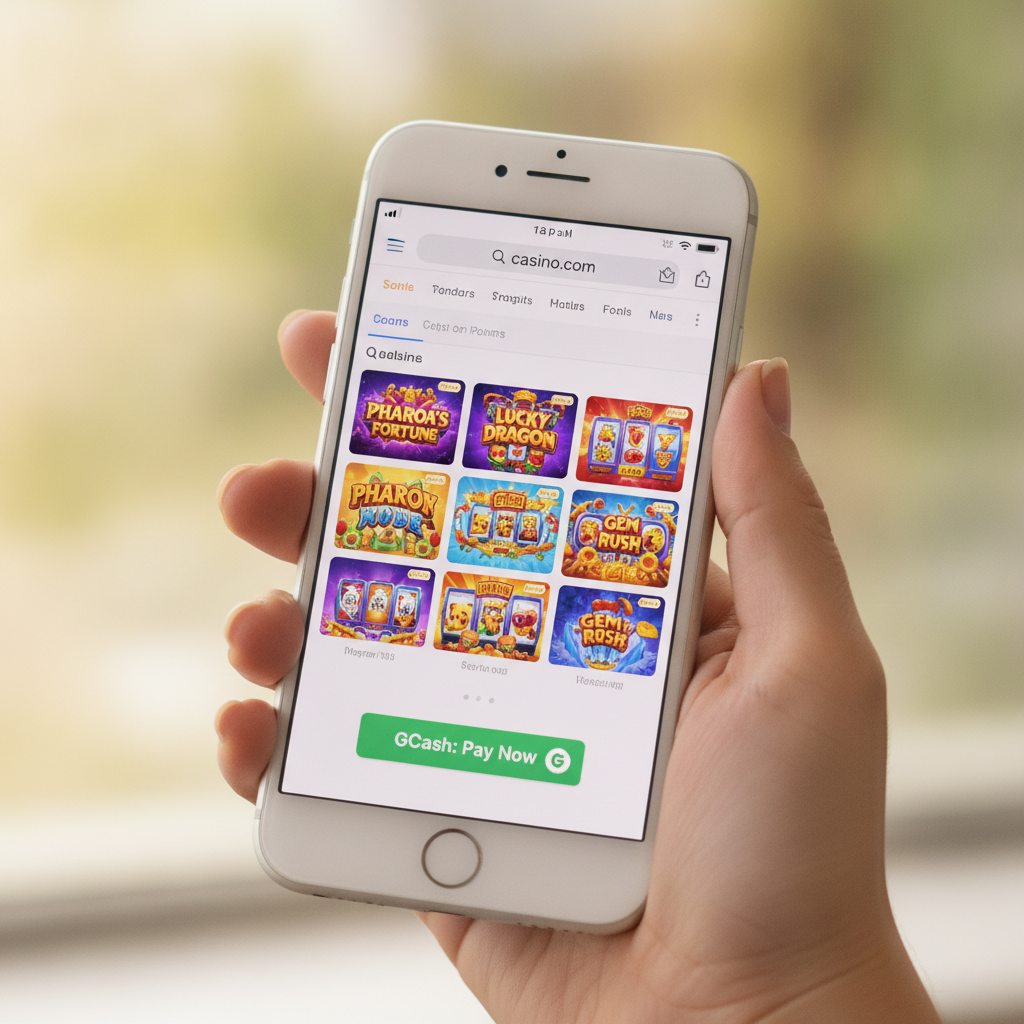
Availability of JD Fortune App for iOS/iPhone Users
At the time of writing, JD Fortune does not offer a native iOS app for iPhone or iPad users in the Philippines. Unlike the Android APK that can be sideloaded directly from the JD Fortune site, there is no equivalent .ipa installer for Apple devices and no listing in the Philippine App Store.
This is common among online casinos and sportsbooks operating in the Philippines. Apple's App Store policies strictly limit real-money gambling apps, and many operators choose to focus their development resources on Android—which accounts for the majority of mobile traffic in Metro Manila and the provinces—or on mobile-optimized websites that work across all devices.
For iPhone users, this means you won't find a dedicated JD Fortune app to download, install, or update through the App Store. You cannot sideload apps on iOS the way Android users can install an APK file, so the pathway available to Android players simply doesn't exist for Apple devices.
However, this does not mean iPhone users are locked out. JD Fortune's platform is fully accessible through mobile browsers, and the mobile web version is designed to deliver the same core functionality: GCash and Maya deposits and withdrawals, slots and live dealer tables, PBA and NBA sports betting, and account management.
Using the Mobile Browser Version as an Alternative
If you're an iPhone user, the mobile browser version of JD Fortune is your main access point. Open Safari, Chrome, or any browser on your iPhone, navigate to the JD Fortune website, and log in with your existing account credentials.
The mobile site is built to be responsive, meaning it adapts to your screen size and touch inputs. You can deposit via GCash or Maya, request withdrawals to your e-wallet or bank account, place bets on PBA or NBA games, spin slots, and join live dealer tables—all without installing anything.
Performance is generally smooth on recent iPhone models (iPhone 11 and newer) running iOS 14 or later. Pages load quickly over 4G or Wi-Fi, and the interface uses large tap targets suited to touch navigation. You won't need to pinch and zoom; the layout scales automatically.
One practical tip: use Safari if possible. Safari is Apple's default browser and tends to offer the best compatibility with web apps on iOS. Chrome and Firefox work, but Safari integrates more tightly with iOS features like home screen shortcuts and autofill for passwords and payment details.
Your login session will persist as long as you don't clear your browser cookies. If you close Safari and reopen it later, you'll usually stay logged in, though JD Fortune may prompt you to re-enter your password after a period of inactivity for security reasons.
Keep in mind that mobile browsers don't send push notifications the way native apps do. If JD Fortune wants to alert you about a pending withdrawal, a new promo, or a bet result, you'll need to check your email or SMS, or visit the site directly. This is a trade-off iPhone users accept when using the web version instead of a native app.
How to Add JD Fortune to Your iPhone Home Screen as a Web App
Even without a native iOS app, you can add JD Fortune to your iPhone's home screen so it behaves almost like a standalone app. This is sometimes called a Progressive Web App (PWA) or a home screen bookmark, and it's built into Safari.
Here's how to do it:
- Open Safari and go to the JD Fortune website.
- Log in to your account so the site remembers you.
- Tap the Share icon at the bottom of the screen (a square with an arrow pointing up).
- Scroll down in the share menu and tap "Add to Home Screen."
- You'll see a preview of the icon and a suggested name. You can edit the name if you like, or leave it as "JD Fortune."
- Tap "Add" in the top-right corner.
A new icon will appear on your home screen alongside your other apps. Tap it, and JD Fortune will open in a browser window that hides the Safari address bar and navigation buttons, giving it a more app-like feel.
This home screen shortcut launches the mobile site directly, so you skip the step of opening Safari and typing the URL every time. Your login session, payment methods, and betting history are all preserved because the shortcut opens the same website you've been using.
One limitation: the home screen web app still runs inside Safari, so it shares the same performance profile and lacks push notifications. It won't appear in your iPhone's app switcher as a separate app—it will show as a Safari window. Still, for quick access and a cleaner interface, the home screen shortcut is a practical solution for regular players.
Differences in Features and Performance vs Android APK
If you've heard about friends or other players using the JD Fortune Android APK, you might wonder what you're missing as an iPhone user. The short answer: not much in terms of core functionality, but there are a few differences in convenience and performance.
Installation and updates: Android users download an APK file and install it manually, which means they control when to update. iPhone users rely on the mobile website, which JD Fortune updates on their servers—so you always get the latest version without downloading anything. This can be an advantage: no need to check for new APK releases or reinstall files.
Performance: A native Android APK can load faster and feel slightly more responsive than a mobile website, especially on older or budget Android devices. On recent iPhones, however, the gap is small. Safari's rendering engine is fast, and JD Fortune's mobile site is optimized for iOS. Most players won't notice a meaningful difference in load times or gameplay smoothness when spinning slots or placing live bets.
Offline access: Native apps can cache some content for offline use. The JD Fortune mobile site requires an active internet connection to load pages, check balances, or place bets. In practice, this rarely matters—you need a connection to bet or deposit anyway—but it's worth noting.
Push notifications: The Android APK may support push notifications for deposit confirmations, withdrawal updates, or promotional alerts. The iPhone web version does not, so you'll rely on email, SMS, or manual checks of your account. If timely cashout updates are important to you, keep your notifications enabled for email or text.
GCash and Maya integration: Both the Android APK and the iPhone web version support deposits and withdrawals via GCash and Maya. The steps are identical: select your e-wallet, enter the amount, confirm the transaction, and wait for processing. There's no difference in limits, fees, or processing times based on whether you're using an Android app or an iPhone browser.
InstaPay and PESONet transfers: Bank withdrawal options—InstaPay for same-day transfers and PESONet for next-business-day processing—are available on both platforms. iPhone users access these features through the cashier page on the mobile site, just as Android users do within the APK.
Live dealer and sports betting: The mobile site on iPhone supports live dealer tables (baccarat, blackjack, roulette) and sports betting (PBA, NBA, volleyball) with the same streaming quality and bet placement speed as the Android APK. Video streams are delivered via adaptive bitrate, so they adjust to your connection speed whether you're on Wi-Fi or mobile data.
In summary, iPhone users get the full JD Fortune experience through the mobile browser. You're not locked out of any games, payment methods, or betting markets. The main trade-offs are the lack of push notifications and the slightly less app-like feel, which the home screen shortcut largely addresses.
21+ Only and Responsible Gambling Reminder
JD Fortune is strictly for players aged 21 and over. Online casino games and sports betting involve real money and real risk. Never deposit more than you can afford to lose, and set a budget before you start playing.
If you feel your gambling is becoming a problem, seek help. Take breaks, use deposit limits if available, and reach out to local support organizations. Gambling should be entertainment, not a way to solve financial difficulties.
Summary: iPhone users cannot download a native JD Fortune iOS app, but the mobile browser version offers full access to slots, live dealer tables, sports betting, and GCash or Maya deposits and withdrawals. Adding the site to your home screen gives you quick, app-like access without installing anything. Performance and features are comparable to the Android APK, with the main difference being the lack of push notifications. Whether you're depositing PHP 100 via GCash, cashing out to Maya, or betting on a PBA game, the iPhone experience is practical and functional for players across Metro Manila and the provinces.