JD Fortune Cashout & App Help PH

JD Fortune Cashout & App Help PH

Practical guides for withdrawing your winnings through GCash, Maya, and bank transfer, plus Android and iOS app install help.

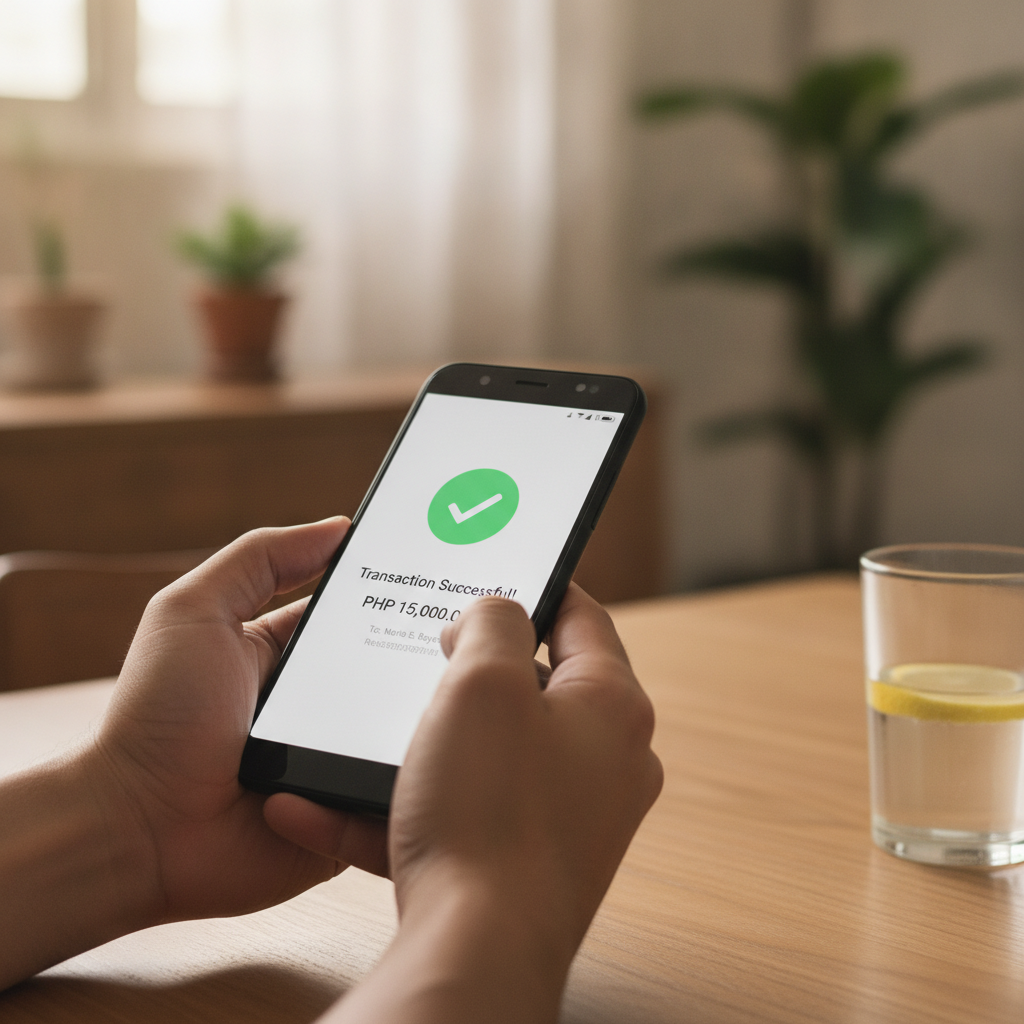
Filipino player checking successful casino withdrawal on mobile phone
1

Fast Cashout Help for JD Fortune Players

Already playing at JD Fortune and ready to cash out? This independent guide walks you through every withdrawal method available to Filipino players: GCash, Maya, InstaPay bank transfer, and PESONet. You'll find the exact steps for each option, typical processing times, transaction limits, and what to do if your cashout is pending or fails. Most JD Fortune withdrawals to GCash or Maya process within a few hours during business days, while bank transfers through InstaPay and PESONet can take one to two banking days. Knowing the fees, daily limits, and verification requirements for each method helps you plan your cashout and avoid delays. This site is for players aged 21 and over. Please gamble responsibly and only withdraw funds you can afford to wait for. Whether you're cashing out PHP 500 or PHP 5,000, understanding the process reduces frustration. Each payment channel has its own cut-off times and weekend schedules, so you'll want to check the details before you request a withdrawal.

2

JD Fortune App Download & Install Guide

JD Fortune offers dedicated mobile apps for Android and iOS, and many Filipino players prefer the app experience over the mobile browser. The Android version is distributed as an APK file downloaded directly from the JD Fortune site, not through Google Play. This guide covers where to find the APK, how to enable installation from unknown sources on your Android device, and step-by-step install instructions. For iOS users, the process differs: you may be directed to add a web app shortcut or use a downloadable profile, depending on what JD Fortune currently supports. Either way, you'll get icon-based access from your home screen. We also cover common app problems like login loops, stuck loading screens, and verification errors that prevent you from signing in. Mobile-first players in Metro Manila and the provinces rely on stable app performance, especially when depositing or withdrawing through GCash or Maya. If your app won't open or your session keeps expiring, our troubleshooting section explains where to check settings, clear cache, and when to reinstall.

3

GCash, Maya & Bank Transfer Details

GCash and Maya are the most popular e-wallet options for JD Fortune deposits and cashouts among Filipino players. Both platforms let you move pesos quickly, but each has its own daily transaction limits and occasional downtime. This site explains how to link your GCash or Maya account, initiate a withdrawal from your JD Fortune account, and what to expect in terms of processing time and fees. InstaPay and PESONet bank transfers are also supported for players who prefer direct bank deposits and withdrawals. InstaPay transactions typically settle within minutes during banking hours, while PESONet can take up to the next banking day. Minimum and maximum limits vary by method, so it's important to confirm your bank or e-wallet can handle your intended cashout amount before you request it. This is an independent guide site, not operated by JD Fortune. All information is for players aged 21 and over. Remember to gamble responsibly, set cashout limits you're comfortable with, and never chase losses. If you experience a failed or pending withdrawal, our step-by-step troubleshooting will help you identify whether the delay is on the casino side, your payment provider, or a verification issue.

Give JD Fortune a try