How to Withdraw from JD Fortune Using GCash: Step-by-Step Guide
Linking Your Verified GCash Account to JD Fortune
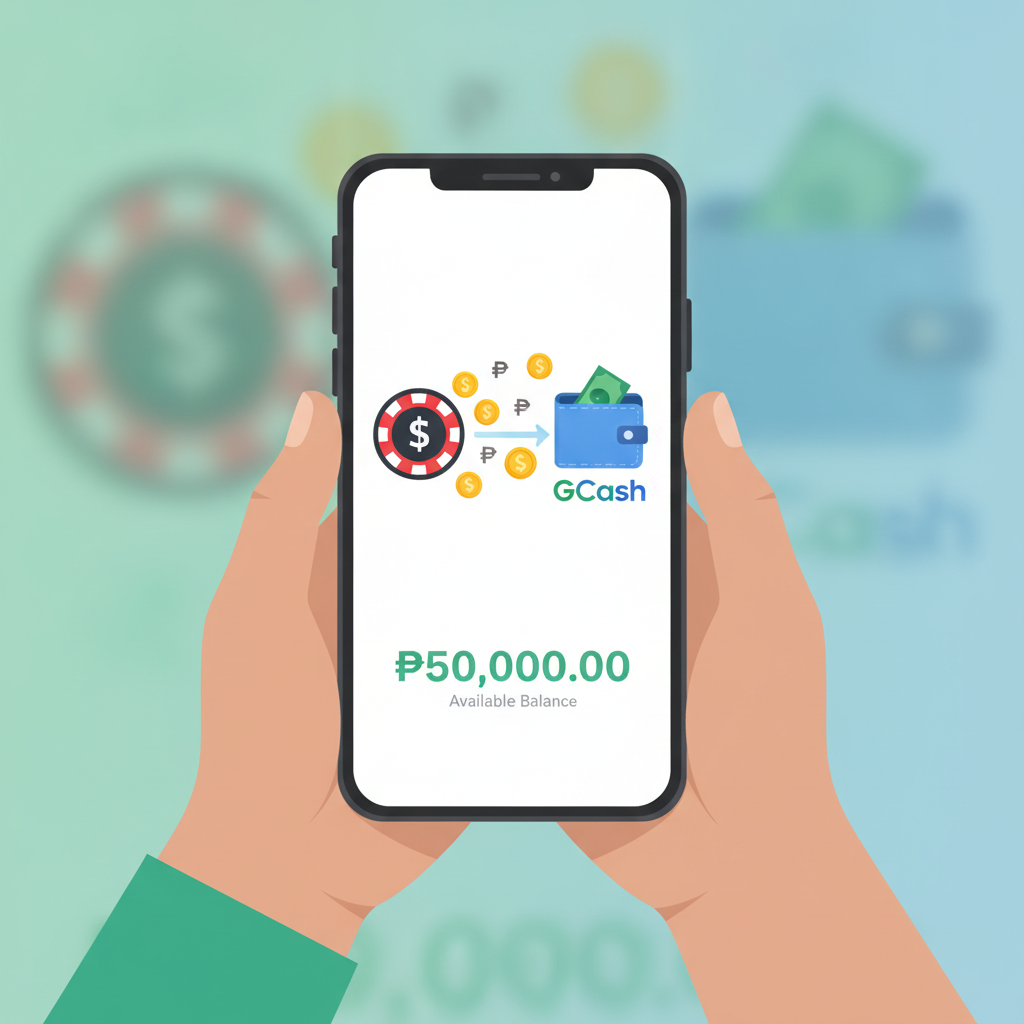
Before you can withdraw winnings to GCash, the account must be verified and linked inside JD Fortune's cashier. Log in to your JD Fortune account and navigate to the cashier or wallet section. Look for "Withdrawal" or "Cash Out," then select GCash from the list of payment methods.
The platform will ask you to enter the mobile number registered to your GCash account. Make sure this number matches the one you verified with GCash. JD Fortune may also ask for the account name exactly as it appears in your GCash profile. Any mismatch between the name on your JD Fortune account and your GCash account can delay or block the transaction.
Some players report that the first time they add GCash, JD Fortune sends a small test deposit or asks for a confirmation step. If you receive a one-time PIN or verification request on your phone, complete it immediately. Once confirmed, your GCash wallet is saved for future cashouts.
If you have not yet completed ID verification on JD Fortune, the withdrawal option may be locked. Upload a valid government ID and a selfie or proof of address if prompted. Processing times for document checks vary, but most accounts are verified within 24 hours.
Step-by-Step Cashout Process from Balance to GCash Wallet
After your GCash account is linked and your JD Fortune identity is verified, follow these steps to cash out:
- Log in to your JD Fortune account from the app or mobile browser.
- Open the Cashier or Wallet section. This is usually accessible from the menu or profile icon.
- Select Withdraw and choose GCash from the e-wallet options.
- Enter the amount you wish to withdraw in Philippine pesos. The cashier will show your available balance minus any active bonus funds that are still locked.
- Confirm your GCash mobile number. Double-check that the number displayed matches your GCash account.
- Review the transaction summary. Look for any fees, the final amount you will receive, and the estimated processing time.
- Submit the request. You may be asked to enter your JD Fortune account password or a one-time code sent to your registered mobile number.
Once submitted, the request moves to JD Fortune's payment team. You should see a pending status in your transaction history. Do not submit duplicate requests while one is already pending—this can cause confusion and delays.
Minimum and Maximum Withdrawal Limits for GCash
JD Fortune sets a minimum cashout amount for GCash transactions, typically PHP 100 or PHP 200. If your balance is below this threshold, you will not be able to request a withdrawal until you meet the minimum.
The maximum per transaction usually falls between PHP 10,000 and PHP 50,000, depending on your account tier or recent activity. Players who have completed higher-level verification or who hold VIP status may see larger limits. If you need to withdraw more than the single-transaction cap, you can split the amount across multiple requests, though each will be subject to the same processing queue.
Daily and weekly limits may also apply. For example, even if the per-transaction maximum is PHP 50,000, JD Fortune might restrict total weekly cashouts to PHP 100,000 or PHP 200,000. Check the cashier page or contact support if you need clarification on your personal limits.
GCash itself imposes a monthly wallet limit of PHP 100,000 for fully verified accounts and PHP 8,000 for basic accounts. If your GCash wallet is not fully verified, upgrade it in the GCash app before requesting large withdrawals from JD Fortune.
Processing Times and Fees
Most GCash withdrawals from JD Fortune are processed within 15 minutes to 24 hours. Straightforward requests made during business hours in the Philippines often arrive in under an hour. Requests submitted late at night, on weekends, or during public holidays may take longer.
If JD Fortune's payment provider experiences high volume or technical issues, cashouts can be delayed by one or two business days. The platform does not guarantee instant processing, so plan accordingly if you need funds by a specific date.
Fees vary. Some players report zero withdrawal fees for GCash, while others see a small service charge—typically PHP 15 to PHP 25 or a percentage around 1–2 %. The exact fee structure may depend on your account status, the withdrawal amount, or promotional periods when fees are waived. Always review the transaction summary before you confirm.
Common GCash Withdrawal Errors and Fixes
"Withdrawal request declined"
This message usually means one of three things: your account has not passed verification, you have not met wagering requirements for a bonus, or the GCash number on file does not match JD Fortune's records. Double-check your profile details, complete any pending verification steps, and ensure you are withdrawing only cleared funds—not bonus cash still subject to playthrough rules.
"Invalid GCash account number"
You may have entered an incorrect mobile number or mismatched the name on your GCash profile. Log in to the GCash app, confirm your registered number and full name, then update your JD Fortune cashier details to match exactly.
"Transaction pending for more than 24 hours"
Contact JD Fortune support through live chat or the help center. Provide your transaction ID, the date and time you submitted the request, and the amount. The support team can escalate the case to the payment processor. Avoid submitting a second withdrawal for the same funds while the first is still pending.
"Funds deducted from JD Fortune balance but not in GCash"
Check your GCash transaction history in the app. Sometimes the deposit is recorded under a generic merchant name rather than "JD Fortune." If the funds do not appear after 48 hours, gather screenshots of your JD Fortune transaction history and GCash wallet, then open a support ticket. Most discrepancies are resolved within two to three business days once the payment team reviews logs.
"GCash wallet limit reached"
If your GCash account is at its monthly cash-in cap, you will not be able to receive additional funds until the limit resets or you upgrade your verification tier. Open the GCash app, navigate to profile or settings, and follow the prompts to submit a valid ID and complete the upgrade to a fully verified account with a PHP 100,000 monthly limit.
Network or server errors during submission
Slow internet or a temporary outage on either JD Fortune's platform or GCash's servers can interrupt the request. Wait a few minutes and try again. Clear your browser cache or restart the JD Fortune app if the error persists. Check JD Fortune's social media or website for any posted maintenance notices.
Tips for Smooth GCash Withdrawals
- Keep your JD Fortune account name and GCash account name identical. Middle initials, suffixes, and spacing matter.
- Withdraw only your real-money balance. Bonus funds and active cashback credits usually cannot be cashed out until wagering conditions are met.
- Request cashouts during Philippine business hours when payment teams are most active.
- Monitor your email and SMS for one-time codes or additional verification requests from JD Fortune.
- Screenshot every step. If something goes wrong, screenshots of the transaction summary, error messages, and your GCash history will speed up support resolution.
21+ Only and Responsible Gambling Reminder
JD Fortune is open only to players aged 21 and over. Gambling should remain a form of entertainment, not a way to solve financial problems. Set a personal budget before you play, and withdraw winnings promptly to avoid the temptation to chase losses. If you feel your betting is becoming difficult to control, use JD Fortune's deposit limits or self-exclusion tools, or reach out to a local support organization for confidential help.
Disclaimer: This guide is provided by an independent information site and is not affiliated with or endorsed by JD Fortune. Details such as fees, limits, and processing times can change. Always check the official cashier page or contact JD Fortune support for the most current policies.